A concept site and listings audit for Queen Creek Public House
Queen Creek Public House is a neighborhood bar and cafe in downtown Queen Creek, formerly Badlands Bar & Grill, that opened under new ownership in July 2026. We built a concept site and listings audit as a proposal. The Public House is not a client.
This is a concept redesign and audit we built as a proposal. Queen Creek Public House is not a client, and the demo is not their live site.
- Business
- Queen Creek Public House
- Location
- Queen Creek, AZ
- Industry
- Bar and grill
- Status
- Concept and audit, not a client
- Built
- Oct 2026
- Stack
- Static HTML, Python build, Cloudflare Pages
- Service area
- Downtown Queen Creek, at Ellsworth and Ocotillo
What we found
A new name at a known corner is a search problem. Maps and listings still showed the Badlands name, one listing marked the old business closed along with its reviews, and nothing on the new site caught searches for the old name.
The website was a single page. It had no phone number, the meta description still read as pre-opening, the menus were images Google can't read, and there was no structured data. The ordering link didn't lead to a menu, and pages like menu, events and contact returned errors. Hours differed across listings.
What we'd fix: make the rename clear everywhere, put the phone, hours and a readable menu on the site, and give each part of the business its own page.
What we did, step by step
- Audited the site and listingsWe wrote 19 findings ranked High, Medium, Low and Verify, with 3 'before' screenshots.
- Compared listingsA 9-source citation table compares name, phone, hours and website, followed by a 30-day plan.
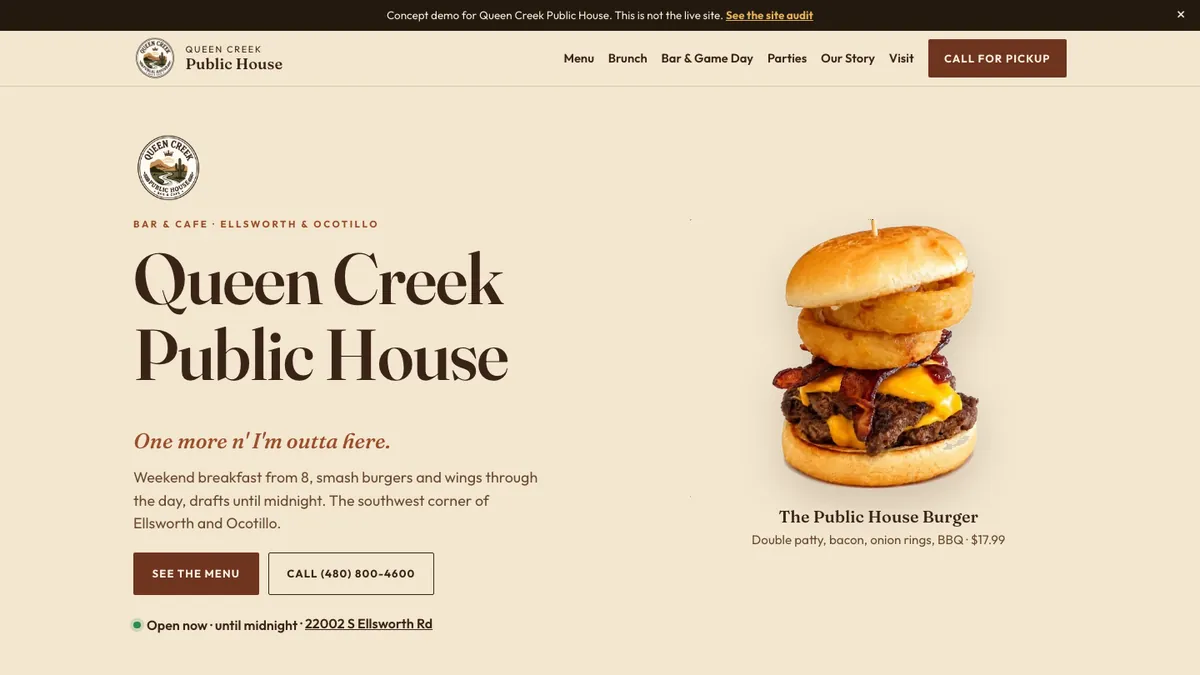
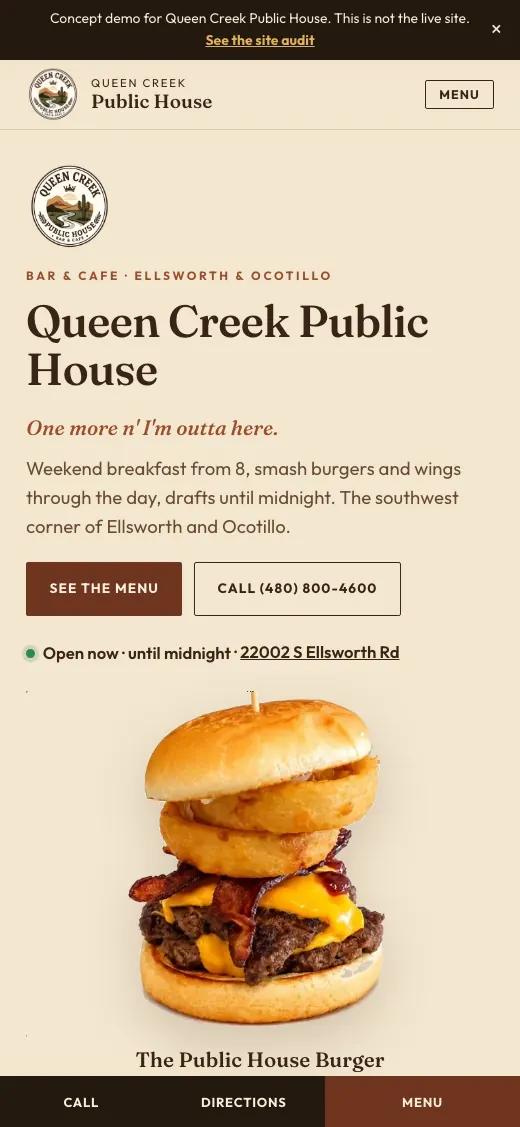
- Redesigned the first screenPhone, live open or closed status in Arizona time, menu and directions all show up first, with Call, Directions and Menu buttons on phones.
- Built 8 indexable pagesHome, Menu, Brunch, Bar and Game Day, Parties, Our Story, Visit and Gift Cards, plus the audit.
- Turned the menu into textAll 38 items across 5 sections became a readable menu page with Menu, MenuSection and MenuItem schema.
- Handled the renameAn 'Is this the old Badlands?' FAQ on the Visit page and 'Formerly Badlands Bar & Grill' in the footer.
- Added Restaurant schemaRestaurant markup with address, coordinates and hours is on all 9 pages, with BreadcrumbList on 7.
- Fixed ordering and extrasA 'Call for Pickup' button replaces the old ordering link, with room for online ordering later, plus a party form, a press strip and a draft Our Story page for owner approval.
What's on it
- Live open or closed status in Arizona time
- Sticky mobile Call, Directions and Menu bar
- Full text menu with 38 items
- Brunch, bar and game day pages
- Party planning request form
- Google Maps directions and a review link
- In the News press strip
- 'Is this the old Badlands?' FAQ
Search and local setup
- Restaurant schema with address, coordinates and hours on every page
- Menu, MenuSection and MenuItem markup
- FAQPage schema for the Badlands rename
- Title and meta description naming Queen Creek and the old name
- Updating maps and listings to the new name recommended
- Branded share image and properly sized logo and favicon
Questions people ask about this work
How do I update Google and Apple Maps after renaming my restaurant?
Update the name on each listing, then make the website say the new and old names clearly. For Queen Creek Public House, we found maps still showing Badlands, so the concept adds a rename FAQ and a 'Formerly Badlands Bar & Grill' footer line for anyone searching the old name.
Can Google read a restaurant menu that is an image?
Not well. Text in images is hard for search engines to use. We turned the Public House's printed menus into a text menu page with 38 items and Menu schema.
What should a bar and grill website show on a phone?
Whether you are open now, the phone number, the menu and directions. The concept shows all four on the first screen and keeps Call, Directions and Menu buttons at the bottom of the screen.
Services in this project
Related projects
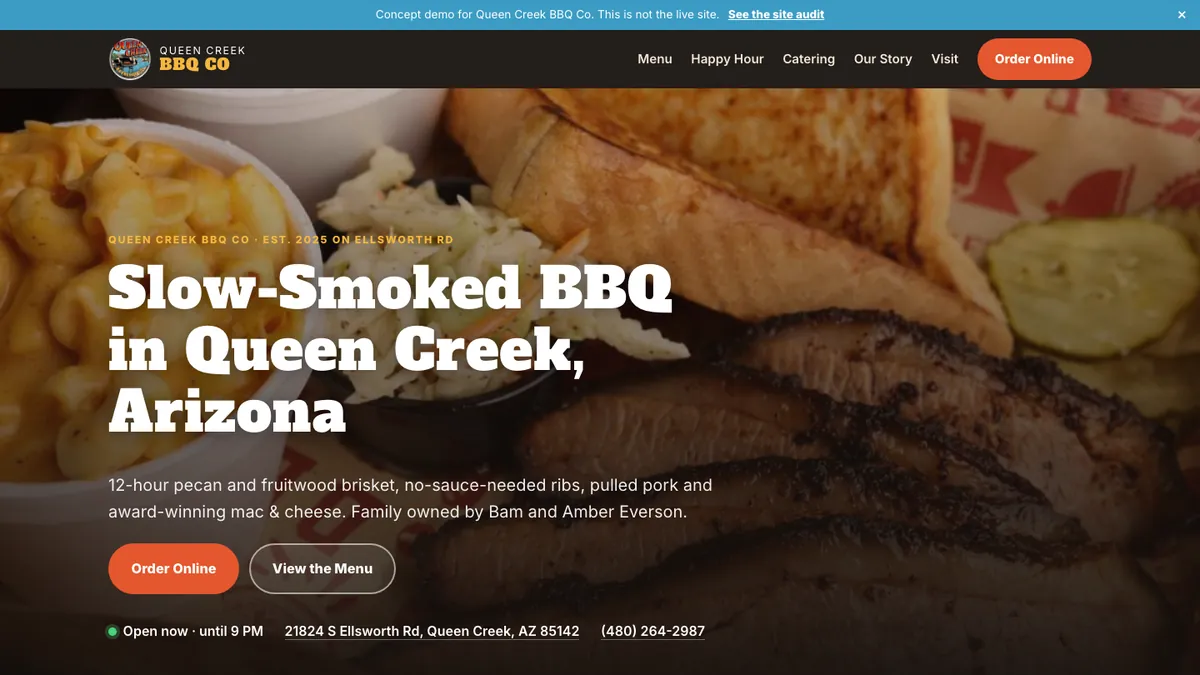
Queen Creek BBQ Co
Queen Creek BBQ Co is a family-owned BBQ restaurant and bar on Ellsworth Road that opened in March 2025.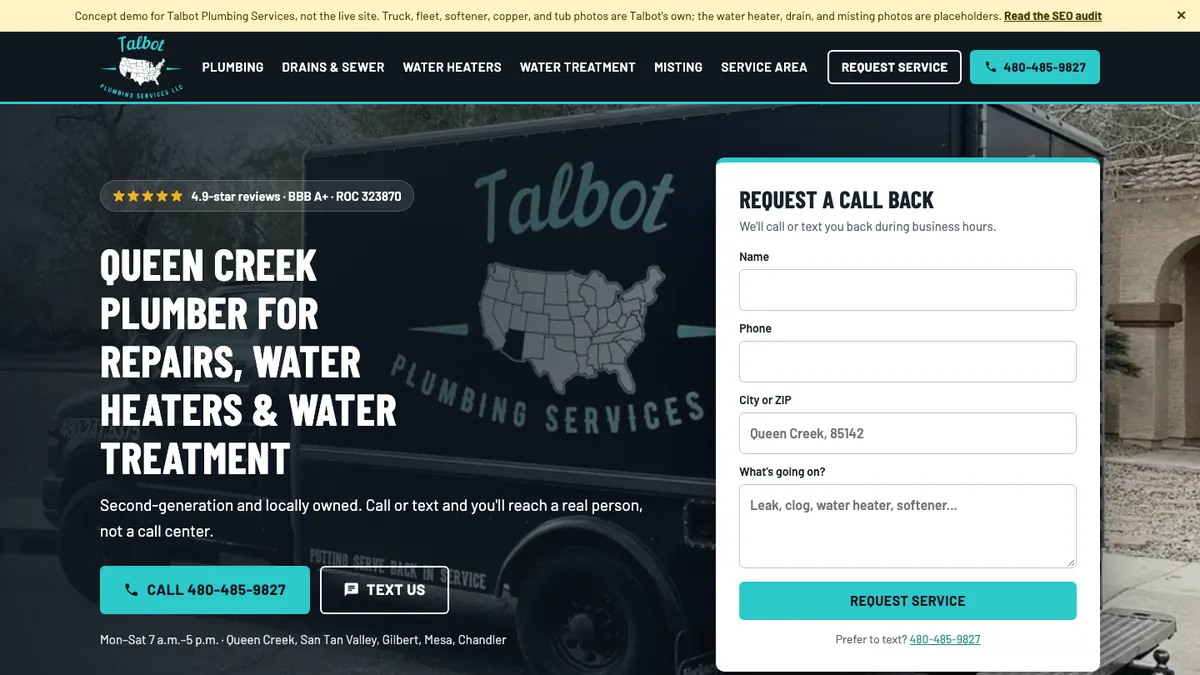
Talbot Plumbing Services
Talbot Plumbing Services is a second-generation, locally owned plumber in Queen Creek, AZ. Built and written up by John M. Williams, founder of It All Started With An Idea in Queen Creek, AZ. 15+ years and $350M+ in managed ad spend.