It All Started With An Idea
Commerce · Merchant Center

A product feed that wins auctions, not just passes review.

Your Merchant Center feed decides which searches your products can appear for, how competitive they look, and whether they show at all. We fix disapprovals and suspensions, then optimize the feed for performance.

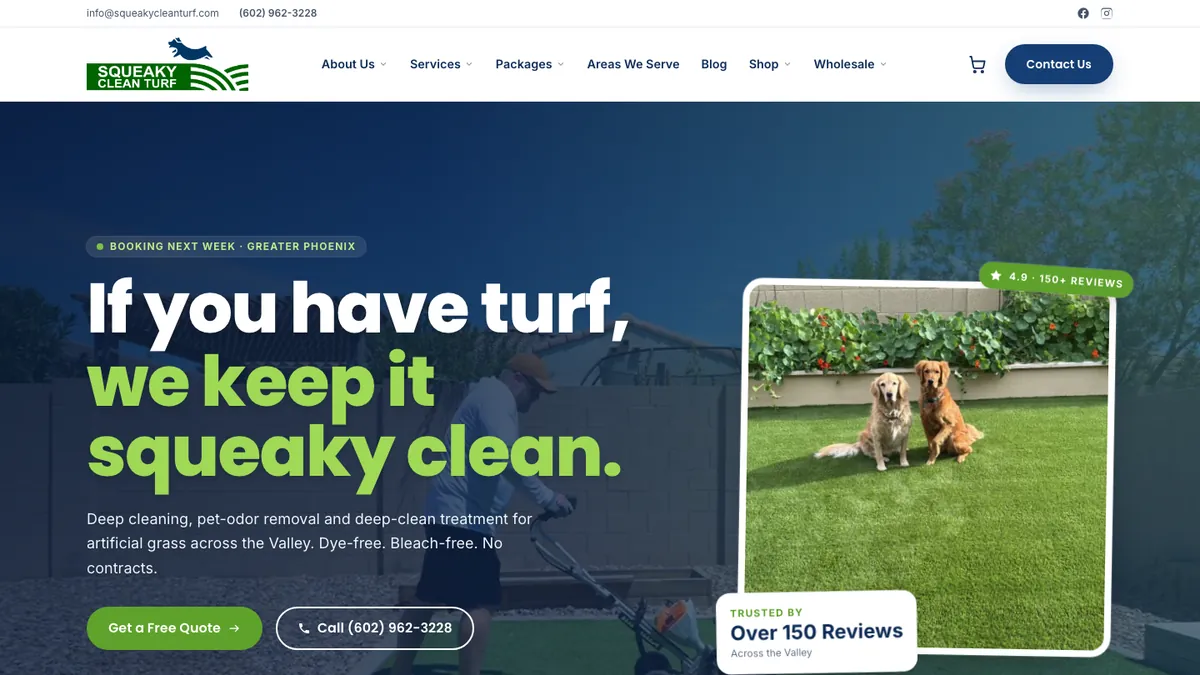
Squeaky Clean Turf website
Squeaky Clean Turf: website, headless shopify · See our work
The short answer

Google Merchant Center is where retailers submit product data for Google Shopping ads, Performance Max and free product listings. Managing it means keeping the feed compliant (no disapprovals, warnings or account suspensions) and optimizing it for performance: search-friendly titles, complete attributes like GTIN and product category, high-quality images, accurate price and availability, custom labels for campaign segmentation, and promotions and shipping information that earn extra visibility.

Who this is for

Is google merchant center management right for you?

  • Retailers running Google Shopping or Performance Max
  • Stores with disapproved products or a suspended Merchant Center account
  • Brands not yet using free product listings
  • Retailers with large catalogs that need feed rules and supplemental feeds
What's included

What you get with our google merchant center management.

  • Account health audit: disapprovals, warnings, policy issues
  • Suspension diagnosis and appeals (misrepresentation, policy, site quality)
  • Feed setup from Shopify, WooCommerce or custom platforms
  • Title and description optimization for search
  • GTIN, brand, MPN, Google product category and product type completion
  • Custom labels for margin, performance, seasonality and price band
  • Supplemental feeds and feed rules
  • Free listings, promotions, shipping and return policy setup
  • Image quality and policy compliance
  • Ongoing monitoring of feed health and price and availability mismatches
How the engagement works

From first call to compounding results.

Week 1

Diagnose

Audit account health, feed quality and policy issues.

Weeks 1–3

Fix

Resolve disapprovals, fix data mismatches, and appeal suspensions if needed.

Weeks 2–6

Optimize

Rewrite titles, complete attributes, and add custom labels and supplemental feeds.

Ongoing

Monitor

Watch daily diagnostics and fix new issues before they cost impressions.

Compliance

Getting and staying approved.

Most Merchant Center problems fall into a few buckets:

  • Data mismatches: the price or availability in the feed doesn't match the landing page, often due to sale prices, currency or caching.
  • Missing identifiers: no GTIN for products that have one, or incorrect brand values.
  • Policy issues: restricted products, prohibited claims, or images with promotional overlays.
  • Misrepresentation: account-level suspensions, often triggered by missing contact information, unclear return policies, or a site that doesn't build trust. These need careful fixes before an appeal.
Performance

Optimizing the feed like a campaign.

Google matches Shopping searches primarily against your product data, so the feed acts as your keywords. We put the attributes shoppers search for, such as brand, product type, key features, size, color and material, at the start of titles, complete every relevant attribute, and use custom labels to split campaigns and asset groups by margin and performance.

Feed optimization pays off across Performance Max, Standard Shopping and free listings at once.

Pricing

How pricing works.

Included in our Shopping and Performance Max management. Standalone feed audits, suspension recovery and ongoing feed management are quoted by catalog size.

Arizona + nationwide

Local team, national reach.

We are based at 35094 N Jacobs Rd in Queen Creek and work with businesses across the Phoenix metro, Tucson and Northern Arizona in person, and with clients across the United States remotely. Same senior team, same process, wherever you are.

In practice

What retailers ask once their feed is live.

These are the questions we hear after a Merchant Center account is approved and the real work of getting products seen begins.

Why are my products approved but getting no impressions?

Approval only means a product is allowed to show. Impressions depend on whether a campaign includes it, how well its data matches searches, and how competitive its price is. Approval is the floor, not the goal.

Work through it in order. First, confirm the product is actually in a campaign's listing groups and not excluded by a filter or custom label. Second, read the title: if it does not contain the words people search for, it will match few queries. Third, open the pricing reports under Analytics in Merchant Center. Products priced well above similar listings often get little traffic.

In the accounts I audit, many zero-impression products are sitting in a catch-all group while a few bestsellers take the budget. Splitting by margin or performance with custom labels, then giving the quiet products their own budget, tells you quickly whether the problem is data or demand. That split is core to our Performance Max work.

Sources: Merchant Center Help: FAQ about the transition to Merchant Center Next, Google Ads Help: Manage a Performance Max campaign with listing groups

Should I turn on automatic item updates in Merchant Center?

Yes, turn on automatic item updates as a safety net, but do not rely on them to keep prices and stock correct. Google uses the structured data on your product pages to fix small price, availability and condition mismatches, which can keep a handful of products from being disapproved.

The catch is in Google's own help: products with mismatches are still treated as critical errors that can lead to account suspension, even after Google updates them. The real fix is timing. Schedule feed or API updates right after prices change on your site, set sale price effective dates with the right timezone, and make sure your page markup shows the price the shopper sees.

A quick check: in Merchant Center Next, open Automatic Improvements under Products and see how often Google has been correcting your data. Frequent corrections mean your feed lags your site. That is usually an app sync schedule or caching issue we fix at the source in Shopify.

Sources: Merchant Center Help: About automatic item updates, Merchant Center Help: How to fix automatic updates mismatched price

Where did supplemental feeds go in Merchant Center Next?

In Merchant Center Next, supplemental feeds live under Settings and tools, then Data sources, then Product sources, and you may need to turn on the Advanced data source management add-on before they appear. Feed rules sit in the same area under each product source.

This trips up teams who learned the old interface. The features still exist; they sit behind an add-on so the default view stays simple. Once enabled, supplemental sources let you override or add attributes like custom labels, GTINs or better titles without touching your store's primary feed.

We use supplemental feeds for anything the store platform handles badly: margin labels, seasonal flags and title rewrites for a test set of products. It keeps changes reversible. If a new title performs worse, you remove the row and the original comes back. Where we can, we still fix data at the source first, and we track the results the same way we track free Shopping listings.

Sources: Merchant Center Help: FAQ about the transition to Merchant Center Next, Google for Developers: Maintain a product feed

Should I use Standard Shopping or Performance Max with my product feed?

Use Performance Max for most of the catalog once conversion tracking is solid, and keep Standard Shopping where you need tight control, clear reporting or a clean test. The feed powers both, so feed quality matters either way.

The common complaint about Performance Max is that brand searches soak up the credit. Our fixes are plain: add brand exclusions at the campaign or account level, reuse placement exclusions from your display work, and test incrementality by switching delivery off in a zip code or time window and measuring the loss. Running branded and non-branded campaigns separately also makes the split visible.

One detail people miss: in Performance Max, listing groups decide which products are included, but they do not set bids the way product groups do in Standard Shopping. If a product line needs its own budget, it needs its own campaign. More in our Performance Max service.

Sources: Google Ads Help: Manage a Performance Max campaign with listing groups, Google Ads API: Listing groups for retail

How do I get star ratings to show on my Shopping ads?

You need to join Google's Product Ratings program and submit a product reviews data source, and Google says you should have at least 50 product reviews before signing up. Once approved, reviews are matched to products by GTIN or by brand plus MPN.

Many stores get reviews into Google through their review platform, which sends the file for them. If you send it yourself, Google asks for a full reviews file at least once a month to stay eligible. Wrong or missing GTINs are a common reason reviews never attach to the right products, so identifier cleanup comes first.

Stars are worth the setup for products that already sell, because shoppers compare listings side by side. Start with your top sellers, make sure their identifiers are right, and check afterward that ratings actually appear on them. If you run reviews through Shopify, we connect that at the store level as part of Shopify work.

Sources: Merchant Center Help: Upload a product reviews data source
FAQ

Google Merchant Center Management: questions we get asked.

What is Google Merchant Center?

Google's platform where retailers upload product data and business information, used for Shopping ads, Performance Max retail campaigns and free product listings across Google.

Why are my products disapproved in Merchant Center?

Common causes include price or availability mismatches with your website, missing GTINs or required attributes, image policy violations and restricted product categories. The diagnostics page lists each issue.

How do I fix a Merchant Center misrepresentation suspension?

Review your site against Google's policies: clear contact details, accurate business information, transparent shipping and return policies, secure checkout and honest product claims. Fix everything first, then request a review. Repeated failed appeals can lengthen waiting periods.

What are free listings?

Unpaid product listings shown on the Shopping tab and other Google surfaces for retailers with approved Merchant Center products.

What are custom labels?

Optional feed attributes (custom_label_0 to custom_label_4) you define, such as margin tier or bestseller status, to segment products in Shopping and Performance Max campaigns.

How should I write product titles for Google Shopping?

Front-load the attributes shoppers search for: brand, product type and key differentiators like size, color, material or model. Keep them accurate and readable, and avoid promotional text.

Do I need GTINs?

If your products have manufacturer-assigned GTINs, Google requires you to submit them. Correct GTINs help Google match your products to searches and can improve performance.

Can you manage feeds for Shopify stores?

Yes. We optimize at the source in Shopify where possible and use feed rules or supplemental feeds for the rest.

Learn from the source

The official documentation we work from.

We build to the platforms' own published guidance. These are the primary sources behind this page.

John M. Williams
Written and reviewed by John M. Williams, founder. 15+ years in paid media, $350M+ managed spend, Hero Conf 2025 and 2026 speaker. Last reviewed .
Get started · Google Merchant Center Management

Tell us about your business.

Quick form, no obligation. John personally reviews every submission and replies within 24–48 hours with an honest read on whether google merchant center management is the right next move.

  • → Honest assessment of where you are
  • → Buddy-powered audit (if you're already running ads)
  • → Top 10 prioritized fixes (effort × impact)
  • → 30/60/90-day roadmap + scope of work

Prefer to talk first? (602) 563-6976 · hello@itallstartedwithaidea.com

By submitting you agree to a one-time review of what you share. NDAs available on request. Privacy.