Building Playcallr, a real-time sales coaching app
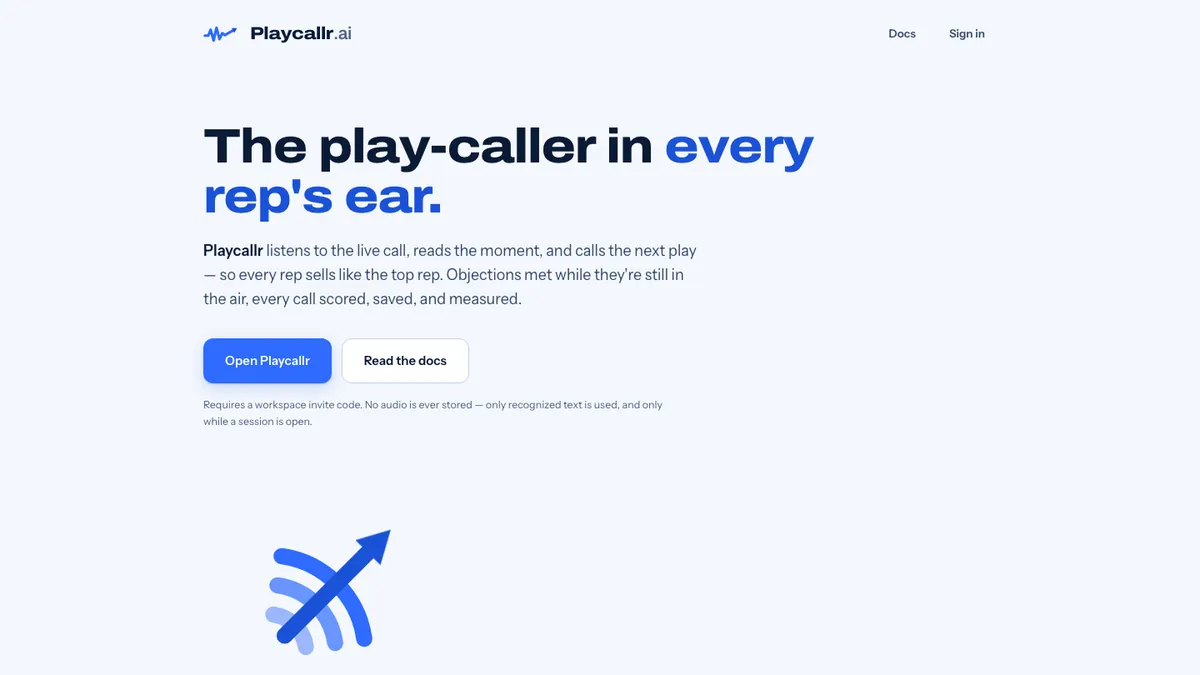
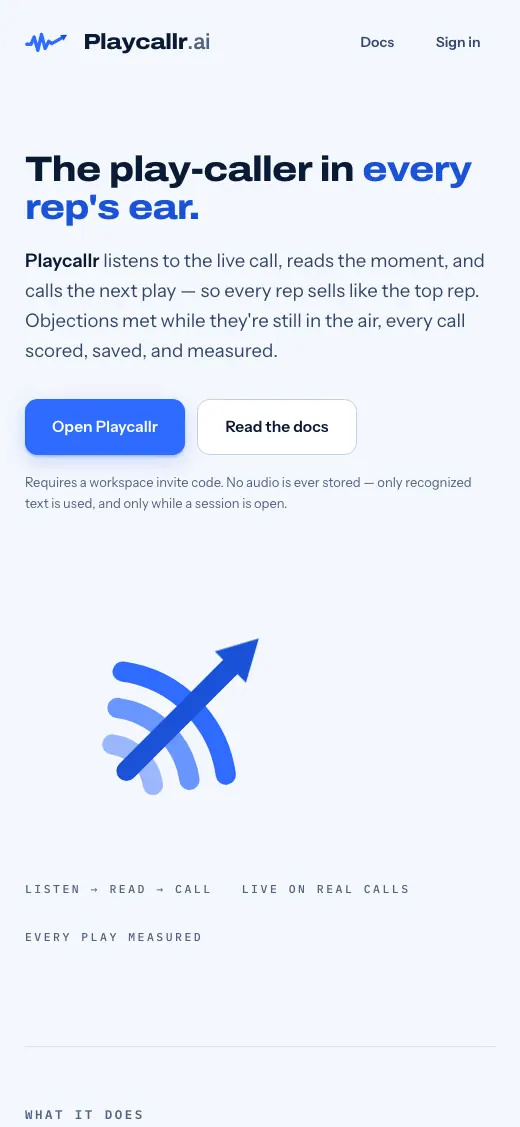
Playcallr listens to a live sales call and shows the rep the next line to say when an objection comes up. We built it under contract for a client, from a clickable mockup to a working app.
- Client
- Built under contract for a client
- Industry
- Sales coaching software
- Built
- July to Oct 2026
- Access
- Landing page public, app invite only
- Stack
- Cloudflare Workers, D1, Durable Objects, vanilla JS
The challenge
The first build used the browser speech API on the default microphone. On a Mac, its echo cancellation removed the Zoom or Meet audio, so the tool could not hear the other side of the call.
Coaching also has to stay out of the way. A rep in a live call can only take in one short prompt at a time.
What we did, step by step
- Build the mockupOn July 6, 2026 we built an interactive product mockup under the client's statement of work.
- Build a clickable demoOn July 16, 2026 we built an end-to-end mobile demo with login, a lead queue, a branching live call simulator, post-call coaching, a playbook and practice drills.
- Build the working appWe built the app with an invite-code join flow, owner and rep roles, and storage for calls, transcripts and prompt events. An offline outbox retries failed uploads.
- Capture audio at the sourceWe rebuilt audio capture to take tab or system audio directly, plus a mic mode with echo cancellation off. A capability check tells reps what will work before the call.
- Separate the speakersWe split meeting audio from the rep's mic to measure talk ratio, interruptions and playbook adherence, and to see whether the rep used the suggested line.
- Detect objections fastKeyword-group matching on a rolling 14-second buffer runs in the browser in under 100 ms. Rules limit prompts to one at a time and 3 per minute, with an 18-second cooldown per objection.
- Float above the meetingPrompt cards show in a floating window above Zoom using Document Picture-in-Picture.
- Build AI coaching and phone callingWe built optional AI layers for paraphrased objections and nightly coaching notes, an AI cost ledger, and a Twilio phone call path. These are in the code and turn on per deployment; we have not confirmed they are enabled in production.
- Test and tuneWe added a test call replay through the real detection engine, a trigger tuning bench, an eval harness and 24 test files.
What's on it
- Live objection detection with a suggested next line
- Works with browser and desktop meeting apps, speakerphone and mobile
- Floating prompt card above the meeting window
- Owner-managed, versioned playbooks with import and export
- Per-card fired, used and used-and-won stats
- Call recap with score, playbook coverage, talk ratio and transcript
- Test call replay and trigger tuning bench
- Offline upload queue
Search and local setup
- Public landing page at playcallr.ai
- App and docs gated behind an invite code
- Capability check that tells reps which call setups work
- robots.txt in place
Questions people ask about this work
How can a browser app hear Zoom or Google Meet audio?
The default microphone path cancels the meeting audio on many Macs. In Playcallr we capture tab or system audio directly and send it to speech recognition, with a separate mic mode that turns echo cancellation off.
How do real-time sales coaching tools avoid distracting reps?
Playcallr shows one card at a time, no more than 3 per minute, with an 18-second cooldown per objection. It waits while the rep is mid-sentence and removes the card after 8 seconds.
How fast does live objection detection need to be?
Fast enough that the prompt arrives before the moment passes. Playcallr's first layer matches keyword groups in the browser in under 100 ms, without a server round trip.
Services in this project
Related projects
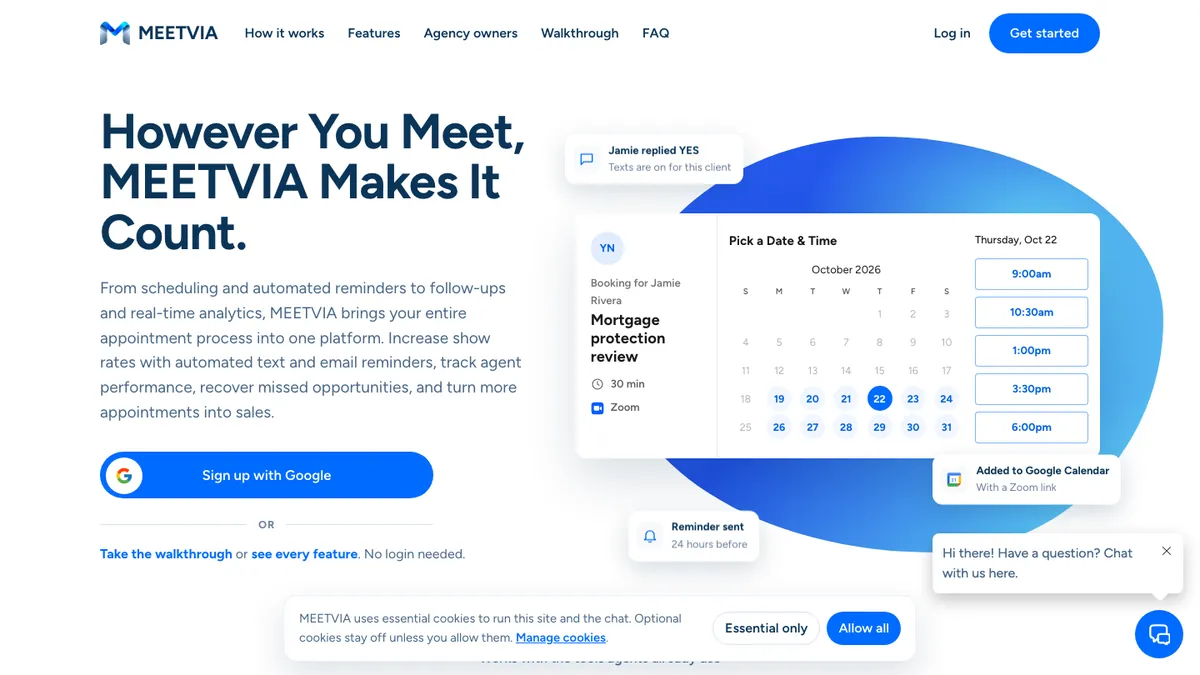
MEETVIA
MEETVIA is a web app for insurance and financial agents, run by Meetvia LLC in Gilbert.
The Acclivus Group
The Acclivus Group helps people with Medicare, Social Security, retirement income, life insurance and legacy planning.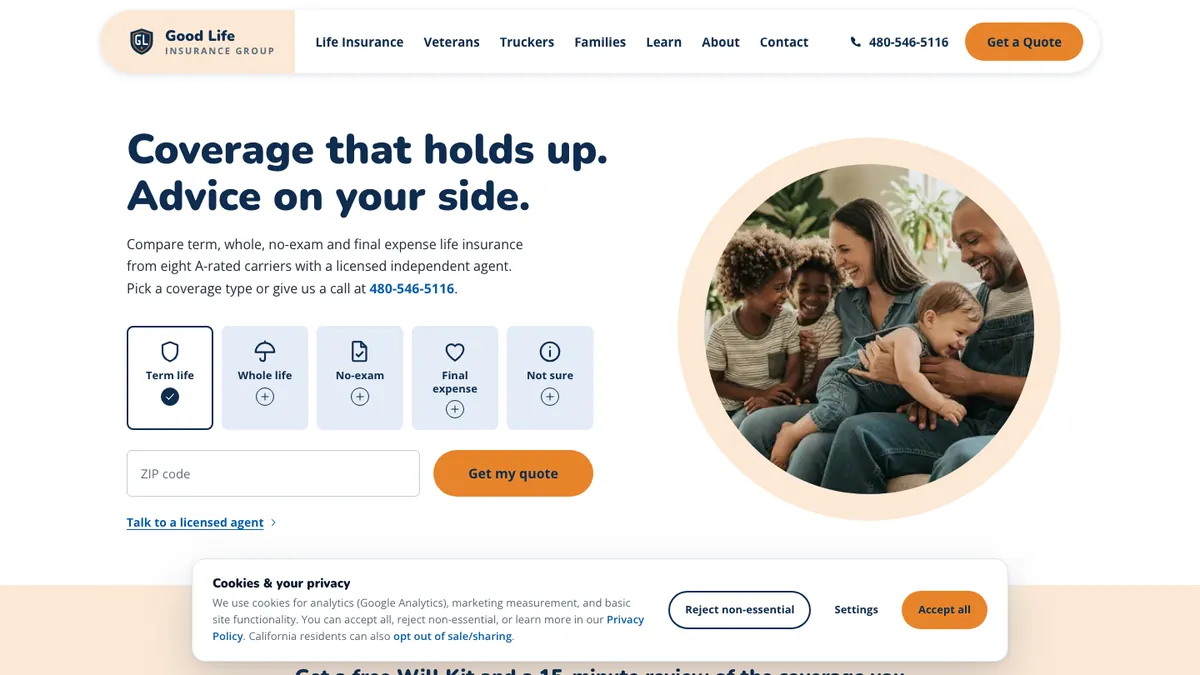
Good Life Insurance Group
Good Life Insurance Group compares term, whole, no-exam and final expense coverage for veterans, truckers and families. Built and written up by John M. Williams, founder of It All Started With An Idea in Queen Creek, AZ. 15+ years and $350M+ in managed ad spend.