Free Google Ads Scripts for budgets, negatives, placements and audits
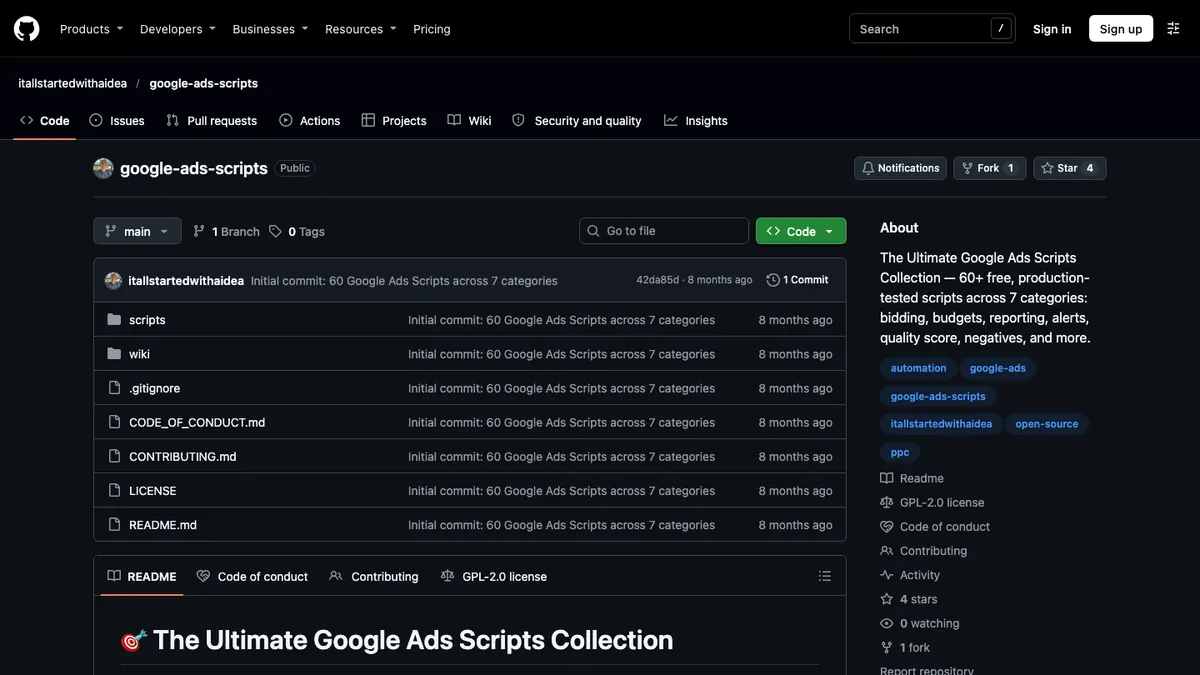
We keep a curated 60-script collection, including 9 of John's originals, plus standalone script repos. They add controls Google Ads lacks, like a hard daily budget cap for the whole account and checks for negatives that block converting searches.
- Type
- Google Ads Scripts (JavaScript, GAQL)
- Built
- Mar 2025 to Jul 2026
- License
- Collection: GPL-2.0. Standalone repos: mostly MIT
- Credit
- Community scripts first published by Brainlabs Digital
- Runs in
- Google Ads, Google Apps Script, Google Sheets
The idea
Google Ads is missing controls advertisers need. There is no hard daily budget cap for a whole account, and negatives match literally while keywords match close variants, so a negative can quietly block searches that convert.
Placement cleanup that Performance Max respects, accurate weighted impression share roll-ups and bulk removal of trademark symbols from ads all take scripts.
How we built it, step by step
- Curated the 60-script collectionWe organized 60 scripts into 7 categories: auditing, analyzing, bidding, managing, monitoring, reporting and testing. Most are community scripts first published by Brainlabs Digital under GPL-2.0; 9 are John's originals and are marked in the README.
- Built the Account GraderThe grader audits 10 PPC areas, scores each from 0 to 100%, assigns A to F grades and emails prioritized recommendations.
- Recovered blocked converting searchesUnblock Converted Keywords has 3 scripts that check negatives against real search-term conversion history, including PMax negatives through GAQL. The MCC version runs across up to 50 accounts.
- Cleaned up Display, YouTube and PMax placementsThe exclusions script combines a regex blocklist with rules, such as zero conversions over 90 days and an accidental-click check at 10+ clicks and 5%+ CTR. PMax exclusions apply at the account level.
- Capped daily account spendThe budget script checks spend every hour, pauses labeled ad groups when the account passes its cap and turns them back on the next morning.
- Resolved negative keyword conflictsThe conflict resolver checks ad group, campaign and shared-list negatives, with a dry-run mode and an email report. A companion script blocks close variants with exact-match negatives.
- Added monitoring and reportingAnomaly detection writes per-anomaly sheets, summaries, charts and email alerts from a Sheets config. Other scripts cover impression share bidding, weighted impression share, month-end budget projection and MCC labels.
- Automated catalog and ad upkeepFurther scripts scan a site for out-of-stock items, sync price assets from Sheets, build campaigns, ad groups, keywords and RSAs from Sheets, and remove trademark symbols from RSAs and PMax.
What it does
- Account Grader with A to F grades
- Hourly account-level budget cap
- Negative keyword conflict checks
- Display, YouTube and PMax placement exclusions
- Anomaly detection with email alerts
- Bulk builds and price assets from Google Sheets
- Dry-run modes and MCC support on several scripts
How people find it
- Public GitHub repos, copy and paste into Tools, Bulk Actions, Scripts
- Write-ups for several scripts on our site
- Google Sheets config and output
- HTML email reports
Questions people ask about this work
How do I set a daily budget cap for my whole Google Ads account?
Google Ads has no native account-level hard cap, so use a script. Our Daily Budget Management script checks spend every hour, pauses labeled ad groups once the account passes the cap and re-enables them the next morning.
How do I find negative keywords that block converting search terms?
Compare your negatives against search terms that have converted. Unblock Converted Keywords does this for a single account or across up to 50 accounts in an MCC, and it includes PMax negatives through GAQL.
How do I exclude bad placements from Performance Max?
PMax respects account-level placement exclusions. Our exclusions script applies a regex blocklist and performance rules, such as no conversions in 90 days, and writes the exclusions at the account level so PMax follows them.
Services in this project
Related projects
Buddy by Ahmeego
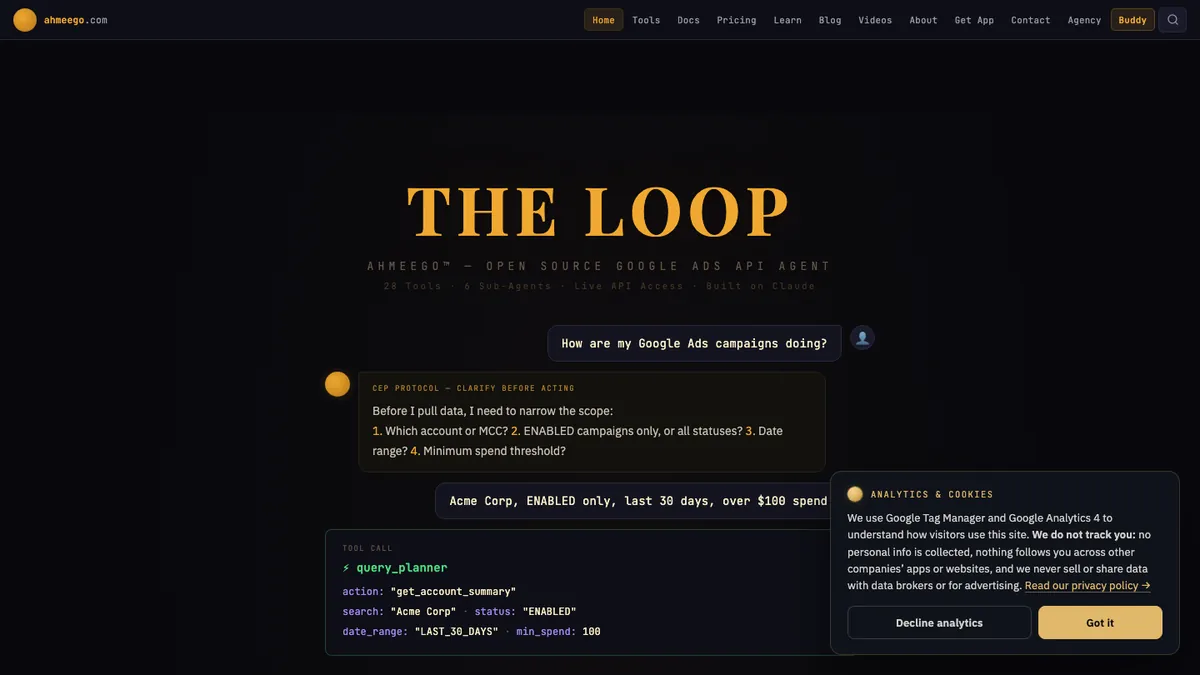
Buddy is a chat-based agent that reads a Google Ads account, stages changes, asks you to confirm them, makes them through the Google Ads API and checks the result.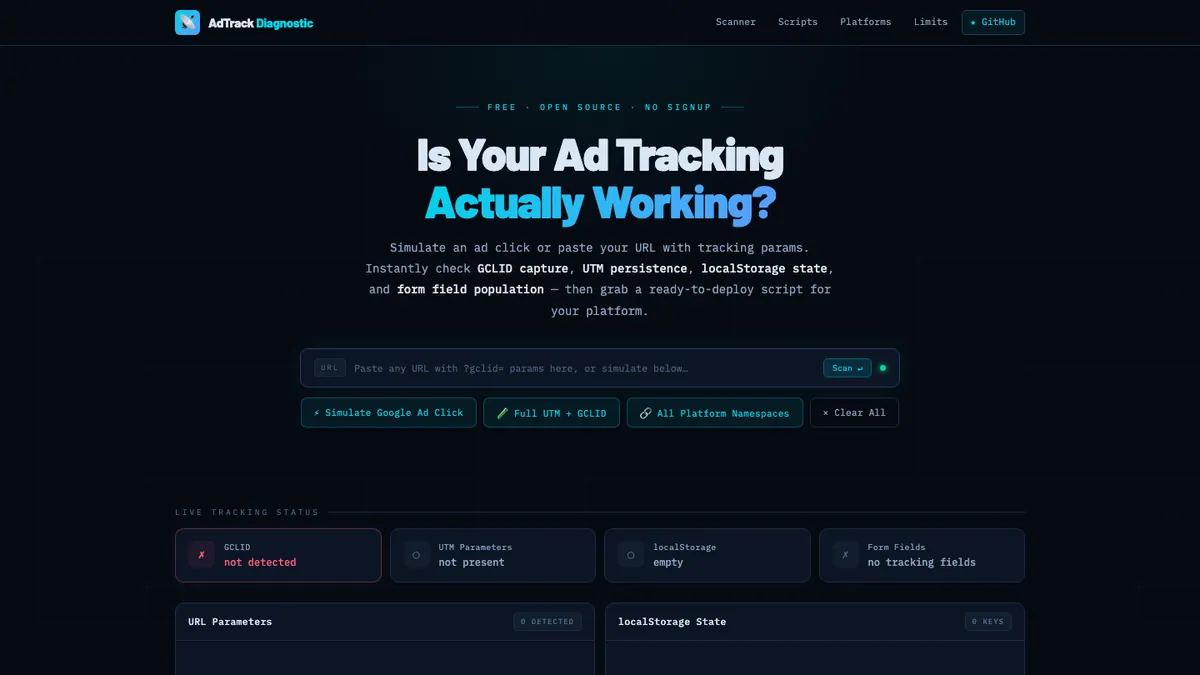
Ad Tracking Diagnostic
Paste a URL and the tool checks whether Google Ads click IDs and UTM values are captured, kept and written into hidden form fields.Open-source tool · AI agent toolkit for advertisingAdvertising Hub and Agent Toolkit
This is our open-source toolkit for running advertising work through AI agents. Built and written up by John M. Williams, founder of It All Started With An Idea in Queen Creek, AZ. 15+ years and $350M+ in managed ad spend.