Ad Tracking Diagnostic: a free GCLID and UTM form field checker
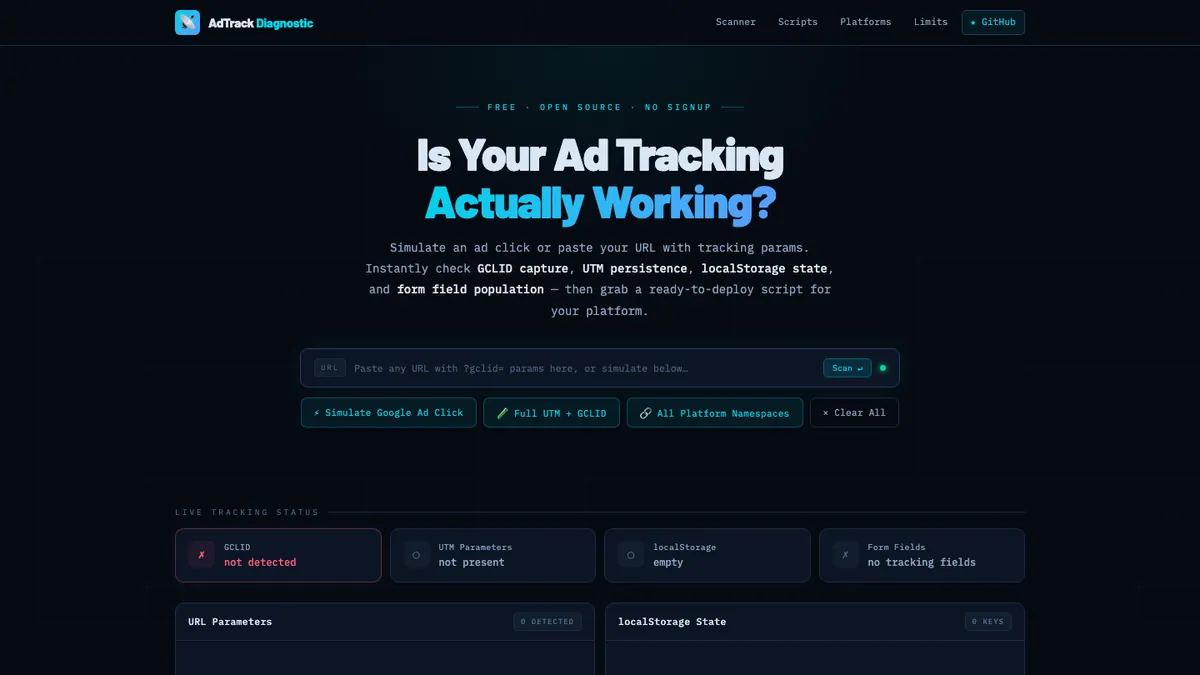
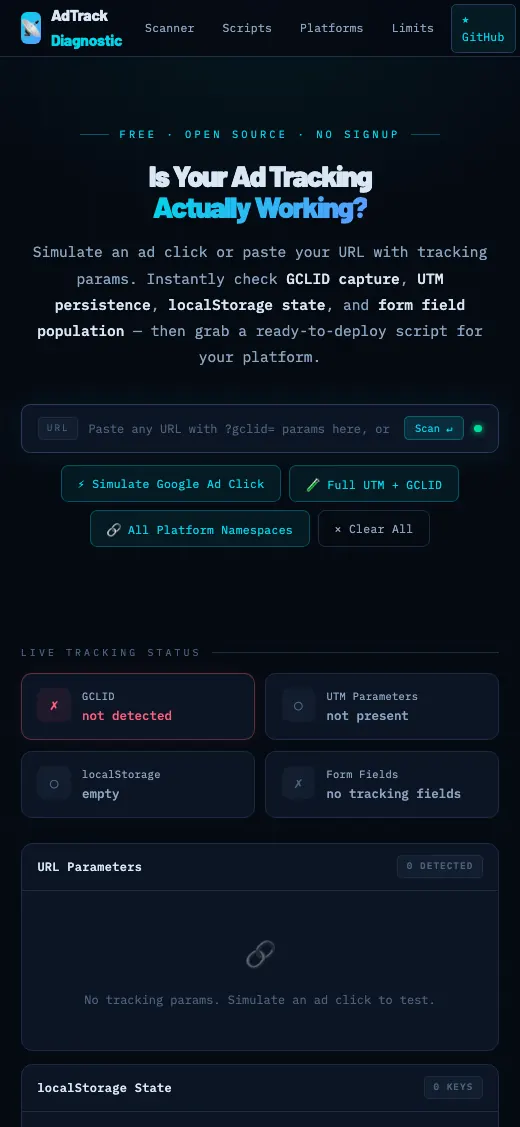
Paste a URL and the tool checks whether Google Ads click IDs and UTM values are captured, kept and written into hidden form fields. It then generates a Google Tag Manager script for the form platform it finds.
- Tool
- Ad Tracking Diagnostic
- License
- MIT
- Built
- Mar 2026
- Stack
- Static HTML and JavaScript, GitHub Pages, GTM Custom HTML
- Cost
- Free, no login
The idea
Offline conversion imports fail quietly when the GCLID or UTM values never reach the hidden fields on a lead form. The CRM record looks fine, but Google Ads never gets credit for the sale.
One common case: Google's standard script uses getElementById(), which fails on Marketo forms because the hidden fields have a name attribute and no id.
How we built it, step by step
- Built a paste-a-URL scannerThe scanner runs 6 checks: GCLID, all 5 UTM parameters, localStorage persistence, hidden form fields, platform detection and script generation.
- Detected the form platformIt recognizes Marketo, HubSpot, Gravity Forms, Shopify, GTM and GA4, then writes a GTM Custom HTML script for what it found.
- Wrote 5 platform scriptsReady scripts cover Salesforce and Marketo, HubSpot, WordPress forms (Gravity Forms, CF7, WPForms, Elementor, Ninja Forms), Shopify and a universal version.
- Fixed the Marketo field problemThe Marketo script finds hidden fields with querySelector('[name=...]') instead of getElementById(), so values land in the right fields.
- Added a bookmarkletThe bookmarklet opens a diagnostic panel on any live form page and generates a script that uses that page's real field names.
- Added click simulatorsSimulators fake a Google Ads click with a GCLID, a full UTM plus GCLID visit, or every platform namespace, so you can test without spending on clicks.
- Documented the setupThe wiki covers GTM deployment, setup per platform, troubleshooting and console debugging.
What it does
- GCLID and UTM capture checks
- localStorage persistence check
- Hidden form field detection
- Generated GTM Custom HTML script
- Bookmarklet for live form pages
- Click and UTM simulators
- Reference table of offline import limits
How people find it
- Hosted free on GitHub Pages, single index.html
- MIT-licensed source on GitHub
- Wiki guides for GTM, HubSpot, Marketo, WordPress and Shopify
- Deploys through Google Tag Manager Custom HTML
Questions people ask about this work
How do I check if GCLID is passed to HubSpot?
Open your landing page with a test GCLID in the URL, then check whether the value is stored and written into the hidden field on the HubSpot form. The diagnostic runs that check from a pasted URL and can simulate the ad click for you. If the field stays empty, it generates a HubSpot script to deploy in GTM.
Why is my GCLID hidden field empty on a Marketo form?
Marketo hidden fields usually have a name attribute and no id, so scripts that use getElementById() can't find them. Selecting the field with querySelector('[name=...]') fixes it. Our Marketo script does this.
How long do I have to import offline conversions into Google Ads?
The tool's reference table lists a 90-day window from the click, a 4 to 6 hour delay on the first import and a 14-day initial lookback. Capture the GCLID at the first visit so it is there when the deal closes.
Services in this project
Related projects

Marketing Analytics Auditor
The auditor scans a page for 10 marketing tags and consent setup, audits a GA4 property through the Admin API and writes the code to fix what it finds.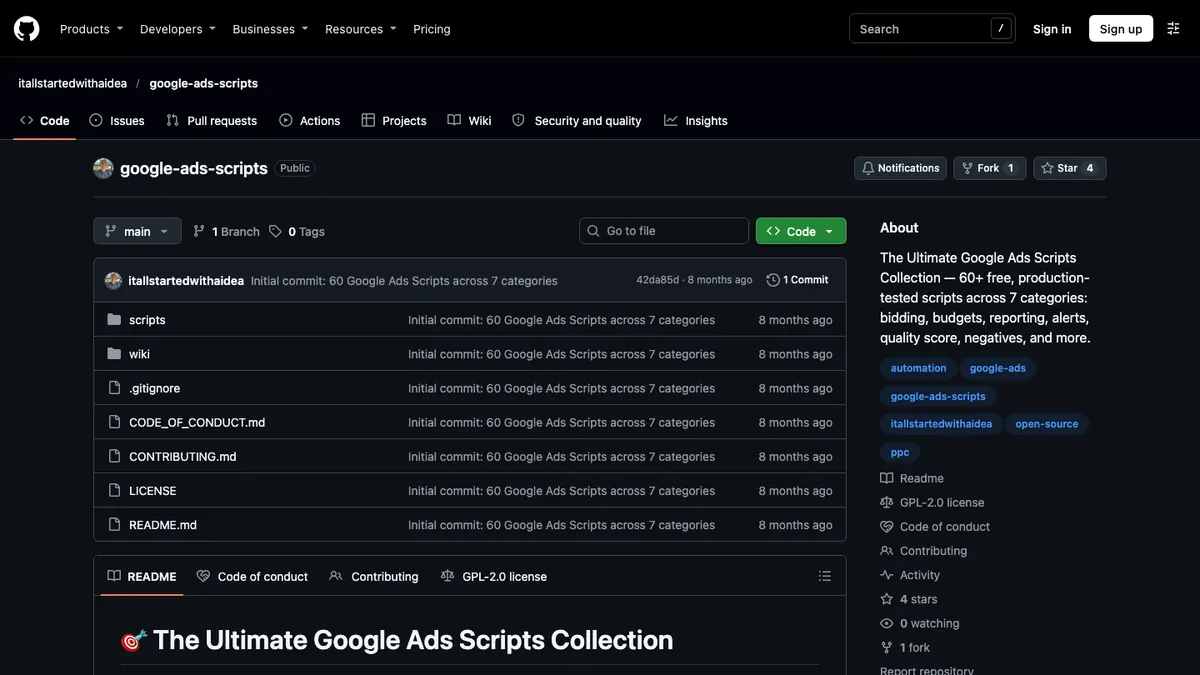
Google Ads Scripts
We keep a curated 60-script collection, including 9 of John's originals, plus standalone script repos.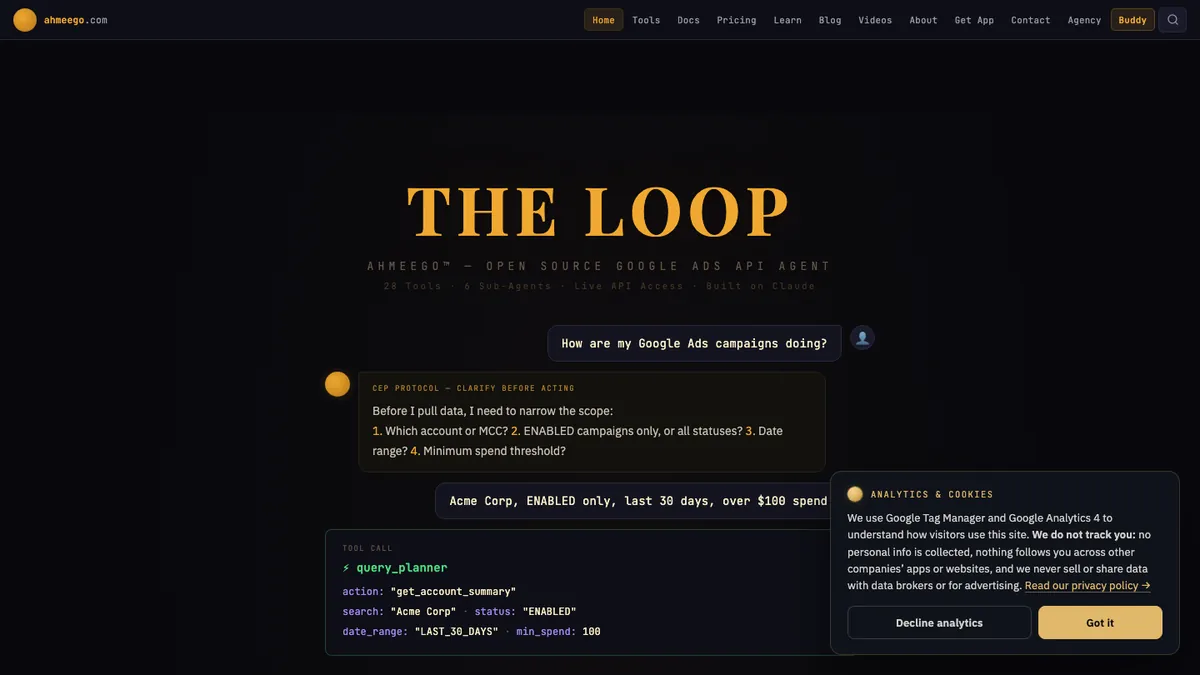
Buddy by Ahmeego
Buddy is a chat-based agent that reads a Google Ads account, stages changes, asks you to confirm them, makes them through the Google Ads API and checks the result. Built and written up by John M. Williams, founder of It All Started With An Idea in Queen Creek, AZ. 15+ years and $350M+ in managed ad spend.