Creative Asset Validator: check ad specs and resize for every channel
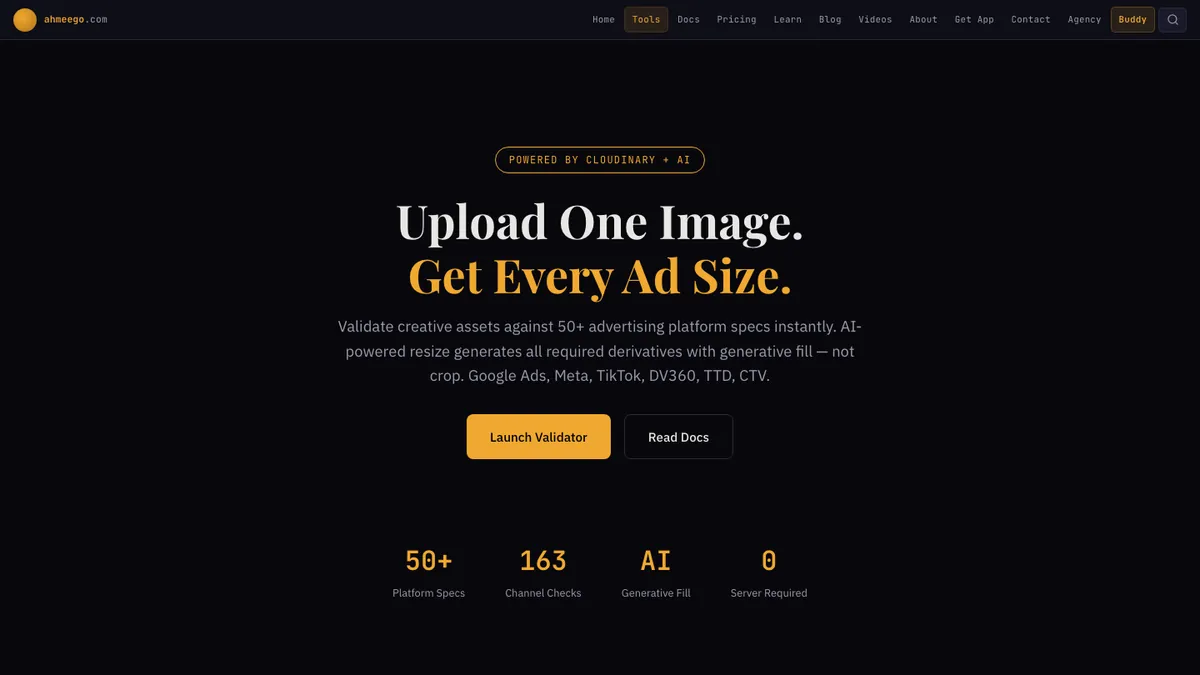
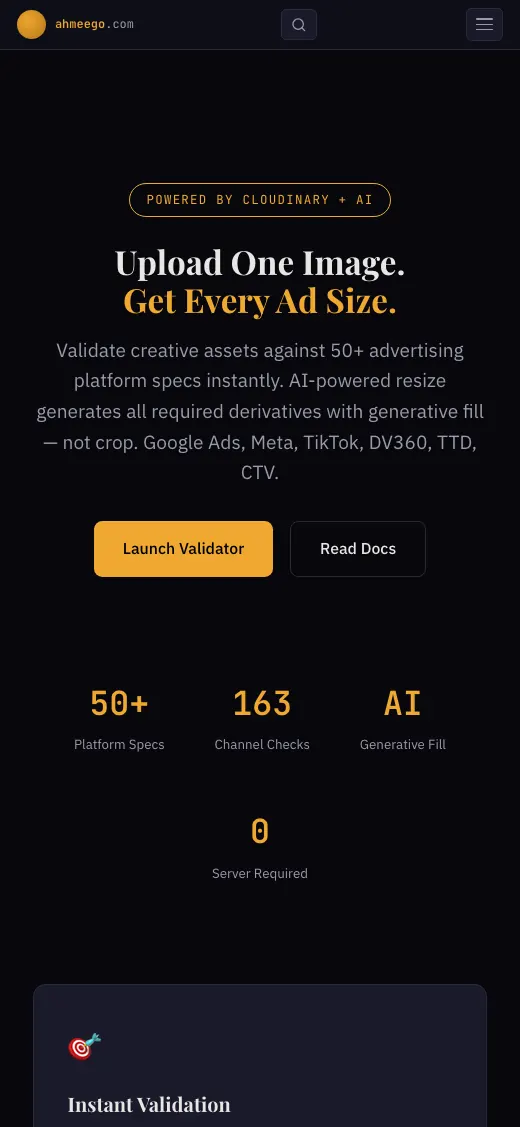
Upload one image and the validator checks it against specs for 50+ advertising platforms, then resizes it into each size you are missing. A separate MIT-licensed MCP server puts the same spec checks inside AI coding tools.
- Product
- Creative Asset Validator
- Built
- Dec 2025
- License
- Validator: proprietary, all rights reserved. Ad Creative MCP: MIT
- Stack
- JavaScript, Cloudinary, Google Veo 3.1, Node.js MCP server
- Package
- @googleadsagent/ad-creative-mcp on npm
The idea
Every ad asset has to meet exact specs on dozens of platforms. A wrong-sized creative means rejected ads, wasted budget and missed launches.
Teams check dimensions by hand against scattered documentation, make resize after resize, and lose track of which client needs which formats.
How we built it, step by step
- Built the browser validatorWe built a drag-and-drop tool that checks images and video against specs for 50+ ad platforms. Each channel gets a status: compatible, off-size or incompatible. The live page lists 163 channel checks.
- Checked more than dimensionsThe validator checks size, aspect ratio, duration and file size for JPG, PNG, WebP, GIF, MP4 and MOV files.
- Added AI Fix AllOne click resizes the asset to every off-size channel with Cloudinary generative fill, which extends the image instead of cropping it. Every derivative gets a CDN URL.
- Grouped sizes into platform packagesPackages cover GDN Essential (8 sizes), TTD Complete (11), DV360 Complete (12), Meta Complete (14 placements) and Universal Display (15 IAB sizes).
- Added motion and brand kitsAnimate turns a still into a 4 to 10 second clip with Google Veo 3.1. The Brand Kit Generator turns one logo into 100+ format variations.
- Released the Ad Creative MCP serverad-creative-mcp (MIT) has 6 tools, including validate_asset, resize_for_platform, batch_resize and get_platform_specs. It works in Cursor, Claude Desktop, Claude Code, VS Code and Windsurf.
- Brought validation to mobileThe same checks run in the Buddy mobile app, where you can point the camera at a creative to validate it.
What it does
- Specs for 50+ ad platforms
- Per-channel compatible, off-size or incompatible status
- Generative-fill resizing instead of cropping
- Platform packages for GDN, The Trade Desk, DV360, Meta and IAB display
- Image-to-video with Google Veo 3.1
- Brand kit from a single logo
- AI creative review of hook, CTA and brand fit
How people find it
- Free hosted tool on ahmeego.com
- @googleadsagent/ad-creative-mcp package on npm
- MCP setup for Cursor, Claude Desktop, Claude Code, VS Code and Windsurf
- Source visible on GitHub (validator is proprietary)
- Camera validation in the Buddy iOS and Android app
Questions people ask about this work
What image sizes do I need for Google Display ads?
It depends on the placements you want to cover. The validator's GDN Essential package checks your image against 8 standard display sizes and shows which ones it fits. Fix All then creates the missing sizes.
How do I resize an ad image without cropping it?
Use generative fill, which extends the background to the new aspect ratio instead of cutting the subject. The validator does this with Cloudinary for every off-size channel and gives you a CDN URL for each version.
Is there an MCP server for checking ad creative specs?
Yes. ad-creative-mcp is MIT-licensed and on npm. It has 6 tools for validating assets, resizing for a platform, batch resizing and looking up platform specs.
Services in this project
Related projects
Buddy by Ahmeego
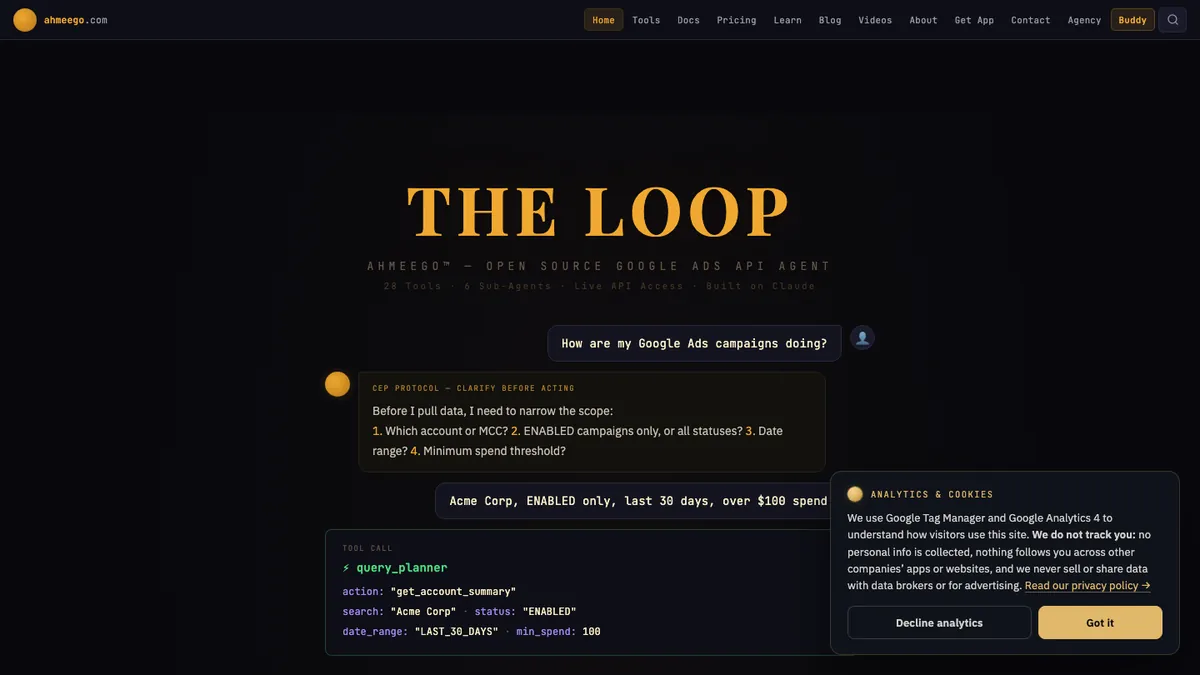
Buddy is a chat-based agent that reads a Google Ads account, stages changes, asks you to confirm them, makes them through the Google Ads API and checks the result.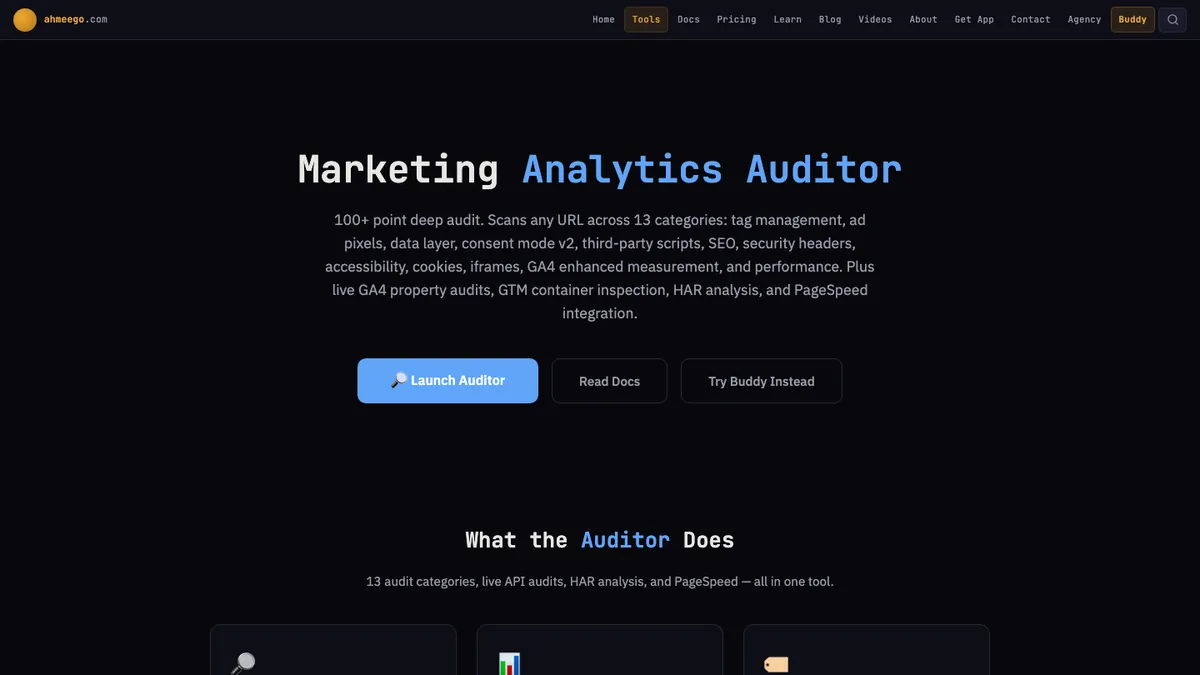
Marketing Analytics Auditor
The auditor scans a page for 10 marketing tags and consent setup, audits a GA4 property through the Admin API and writes the code to fix what it finds.Open-source tool · AI agent toolkit for advertisingAdvertising Hub and Agent Toolkit
This is our open-source toolkit for running advertising work through AI agents. Built and written up by John M. Williams, founder of It All Started With An Idea in Queen Creek, AZ. 15+ years and $350M+ in managed ad spend.